

Software subscriptions have become a core part of running a modern business. From CRM systems and project management platforms to communication and marketing tools, companies rely on dozens (sometimes hundreds) of SaaS applications every day.
The challenge is keeping track of them all.
Many businesses start by managing subscriptions through spreadsheets, calendar reminders, and email folders. While this may work initially, it quickly becomes difficult to maintain as software stacks grow. Without a centralized system, organizations often lose visibility into what they are paying for, who owns each subscription, and when contracts renew.
Why Tracking Software Subscriptions Matters

When software subscriptions are unmanaged, businesses commonly face problems such as:
- Duplicate software purchases
- Unused or inactive licenses
- Missed renewal deadlines
- Unexpected auto-renewals
- Difficulty locating contracts and invoices
- Limited visibility into total SaaS spend
- Poor budgeting and forecasting
These issues can quietly waste thousands of dollars every year.
Tracking software subscriptions properly helps businesses reduce costs, improve accountability, and make smarter purchasing decisions.
What Information Should You Track?
A complete software subscription tracking system should include:
- Vendor name
- Subscription name
- Department
- Assigned owner
- Monthly or annual cost
- Renewal date
- Contract terms
- Payment method
- Number of licenses
- Contract documents and invoices
- Cancellation notice requirements
Having this information centralized allows teams to quickly understand where software dollars are going across the organization.
Free Software Subscription Tracking Template

To help businesses get started, Subscription Central offers a free Software Subscription Tracking Template that can help you organize:
- Vendors
- Renewal dates
- Subscription costs
- Assigned owners
- Departments
- Contracts and invoices
The template is a great starting point for companies currently managing subscriptions manually and looking to improve visibility into their SaaS environment.
Why Spreadsheets Eventually Fail
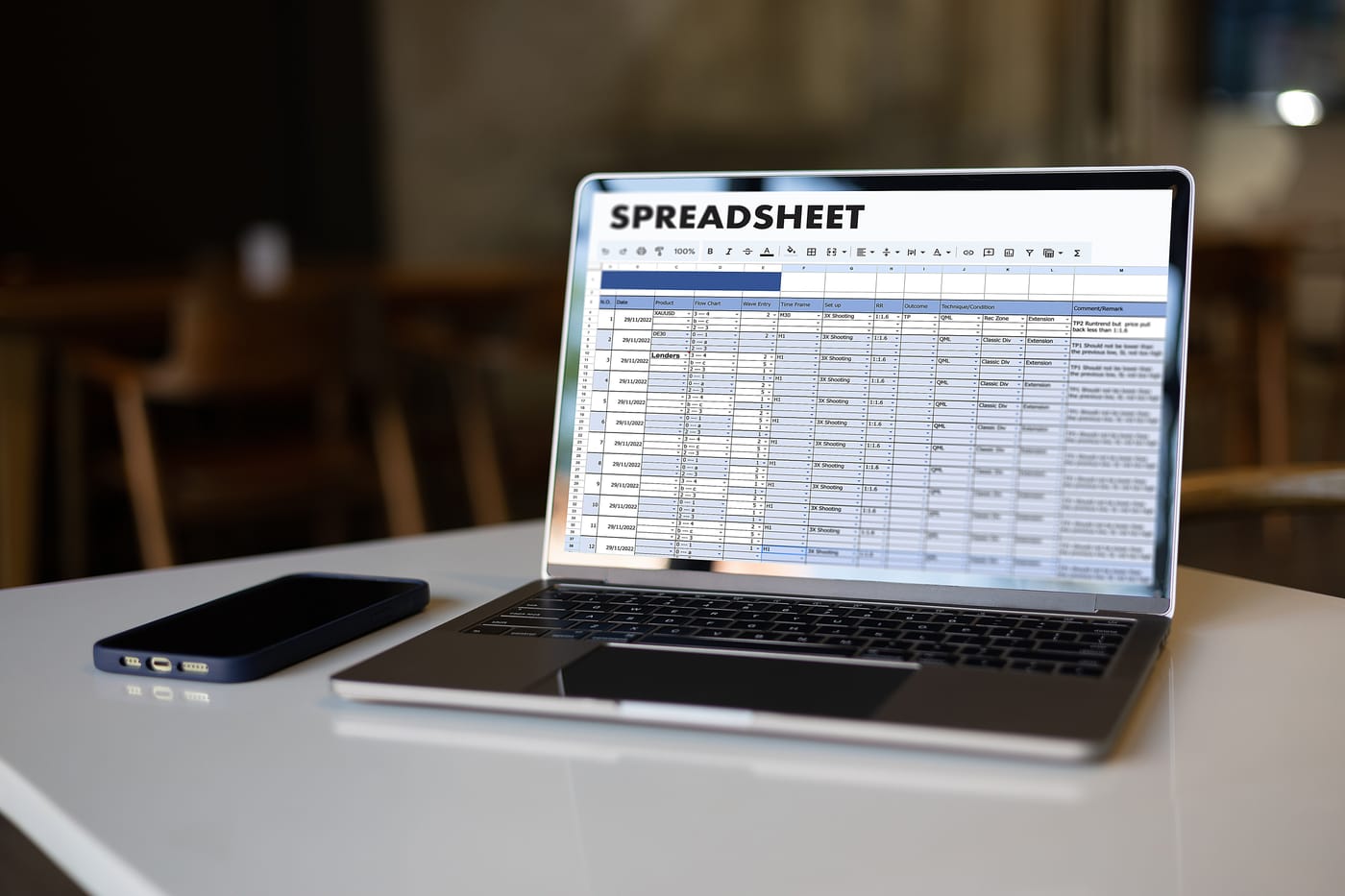
Spreadsheets are one of the most common ways businesses track subscriptions, but they create challenges as organizations scale.
Over time:
- Data becomes outdated
- Multiple versions of spreadsheets exist
- Ownership changes are not updated
- Renewal reminders are missed
- Contracts become difficult to locate
Manual tracking also makes reporting difficult. Leadership teams often struggle to answer questions like:
- How much are we spending on software annually?
- Which vendors renew next quarter?
- Which departments spend the most?
- Where can we reduce costs?
Without centralized visibility, SaaS management becomes reactive instead of proactive.
Best Practices for Managing Software Subscriptions

Centralize Everything
Store subscriptions, vendors, contracts, invoices, and renewal information in one platform instead of spreading information across spreadsheets and inboxes.
Assign Ownership
Every subscription should have a clearly assigned owner responsible for managing renewals and evaluating usage.
Review Software Usage Regularly
Audit subscriptions quarterly or biannually to identify:
- Unused licenses
- Duplicate tools
- Unnecessary premium plans
- Software no longer being used
Track Renewals Proactively
Set reminders well before renewal deadlines to allow time for:
- Vendor negotiations
- Budget discussions
- Contract evaluations
- Cancellation decisions
Analyze Spend by Department
Understanding which teams spend the most on software helps improve budgeting and accountability across the organization.
How Subscription Central Helps

As businesses grow, spreadsheets become increasingly difficult to maintain. Subscription Central helps organizations move beyond manual tracking with a centralized platform designed specifically for software subscription management.
With Subscription Central, businesses can:
- Track every software subscription in one place
- Store contracts and invoices
- Assign owners and departments
- Receive renewal reminders
- Analyze software spend
- Identify duplicate or unused tools
- Improve budgeting and forecasting
Instead of reacting to unexpected renewals and rising SaaS costs, businesses gain complete visibility and control over their software environment.
Final Thoughts
Software subscriptions are essential for modern businesses, but unmanaged SaaS spend creates unnecessary complexity and wasted money.
Starting with a subscription tracking template is a great first step toward improving visibility and organization. As software stacks continue to grow, dedicated tools like Subscription Central help businesses centralize subscription management, reduce SaaS waste, and stay ahead of renewals before they become expensive problems.